Chapter 14Updates, files and help
This manual
Click Manual at the top right of the desk. This manual comes with the app: it opens in your browser and works without the internet, and it always matches your version.
Updates
When a new version is ready, a blue bar at the top says so when the app starts. Click Download. The app never changes itself while you work.

Where your things are
| Recordings and exports | CurryCaster II in your home folder (Exports for the MP3s). A copy installed before 2.4.9 keeps its StudioCast folder. |
|---|---|
| The Example Show | CurryCaster II/Example Show |
| Cart decks | CurryCaster II/Carts. Backups from Reset deck are in its .reset-backups folder. |
| The log file | CurryCaster II/CurryCaster II.log (StudioCast/studiocast.log before 2.4.9). Send it with any problem. |
Your shows, carts, outlines and recordings are all on your own computer.
The log
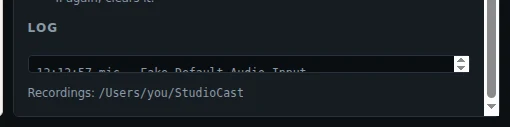
The bottom of the Desk tab shows the log: what the desk did, and any problem.
Keyboard shortcuts on the desk
| Ctrl+F | Search the clips. |
|---|---|
| Mouse wheel on a player or a cart | Volume. |
| Ctrl+wheel on a waveform | Zoom. |
| Outline keys | See The show outline. |
| Editor keys | See Edit and export. |
Help
Write to adam@curry.com, and attach the log file.