Chapter 8The cart wall
Carts are buttons for short sounds you play often: jingles, stingers, sound effects. Click and it plays.
Play
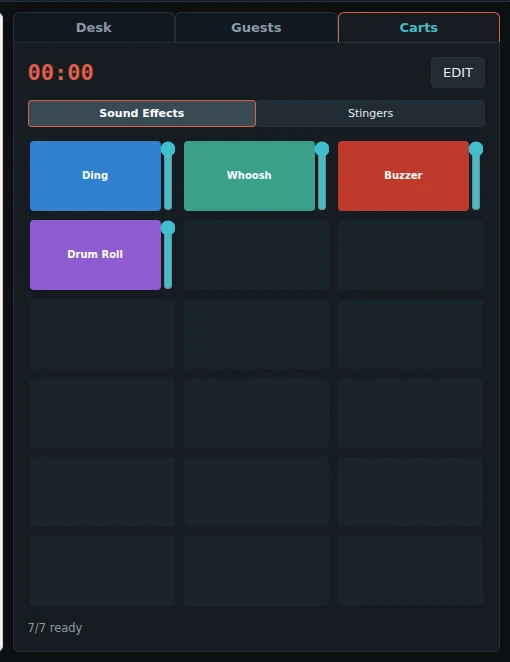
- Click a cart to play it. Click it again to stop it.
- The time at the top shows the cart that plays.
- The fader at the side of each cart is its volume. The mouse wheel anywhere on the cart changes it too, in steps, and shows the new value for a moment.
- The tabs above the wall (here: Sound Effects, Stingers) hold 18 carts each.
- STOP ALL in the top bar stops all carts and players.
Change the carts: EDIT
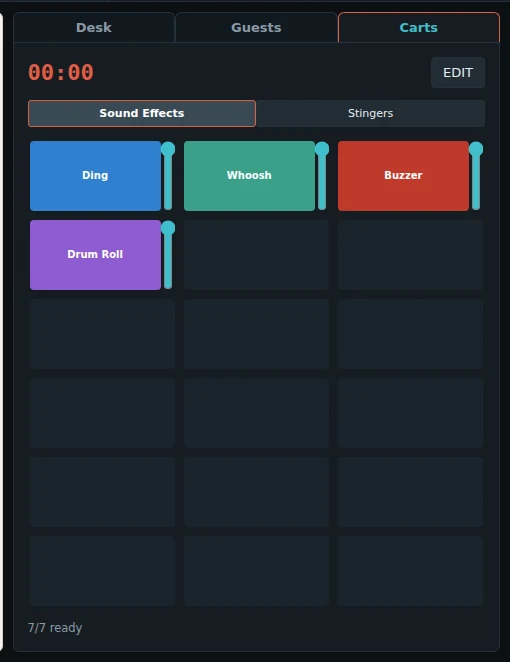
Press EDIT. Nothing on the wall changes by accident while EDIT is off.
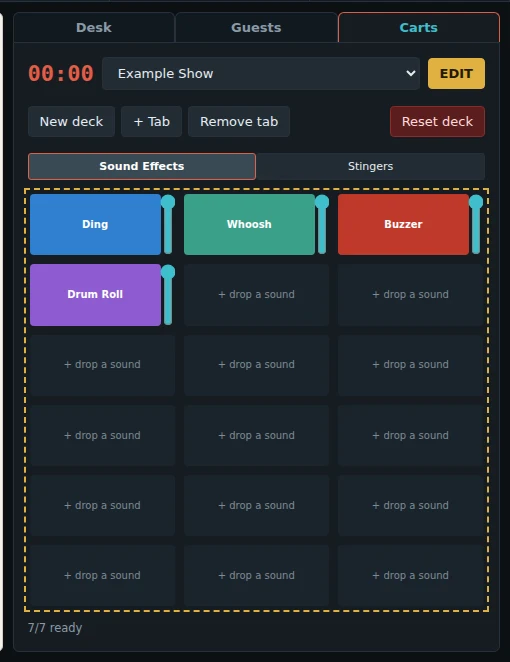
- Drag a sound from the clip browser, or from Finder or Explorer, onto a cart.
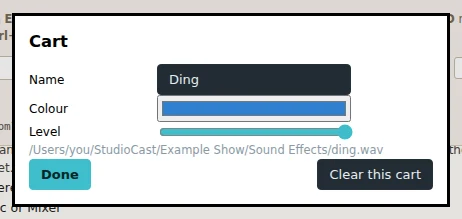
- Click a cart to change its name, colour and level, or to clear it.
- Double-click a tab to rename it.
- + Tab adds a tab of 18 carts. Remove tab removes the tab you are on.
- Every change is saved at once. Press EDIT again to go back to play only.
Decks: each show has its own
- The carts are kept in a deck. The show remembers which deck it uses when you press Save.
- When you open a show, its own deck comes up on the wall.
- A new show gets a new, empty deck with the same name as the show.
- To use another deck: press EDIT and choose it from the list. Then press Save.
- Two shows can use the same deck. Then a change to the carts changes them in both shows.
- New deck makes another empty deck. Copy to edit makes a copy of a deck that you cannot change (a Currycaster deck).
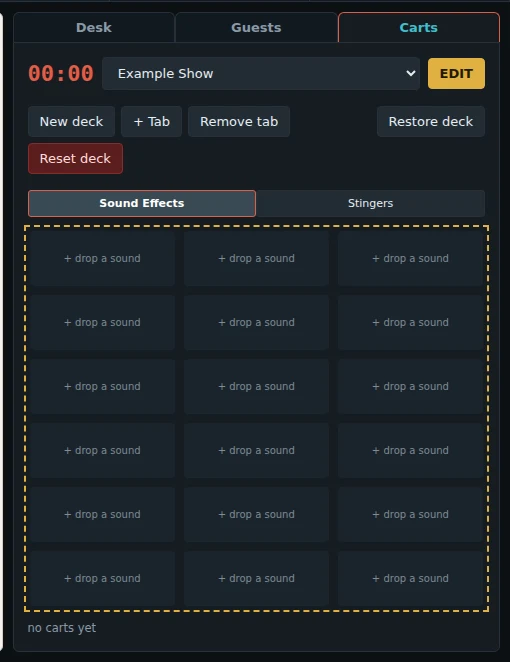
Reset deck and Restore deck
Reset deck empties every cart on every tab. The tabs stay. It asks first, and it keeps a copy:
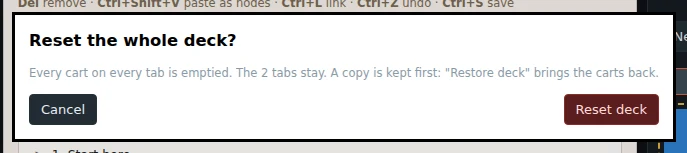
After a reset, Restore deck appears. It puts the carts back as they were.